
Nothing is more annoying to gamers than a system that overheats during a particularly intensive game session. Demanding graphics and extended playtimes cause a lot of heat in both older consoles like the PS4 and more recent systems like the Xbox Series X and PlayStation 5. Even though some consoles have built-in cooling mechanisms, excessive use or inadequate airflow can still result in overheating, noisy fans, decreased performance, and in severe situations, permanent hardware damage.
This is where gaming console cooling stands are useful. These attachments, which are intended to increase airflow and maintain consoles at safe operating temperatures, have swiftly emerged as essentials for die-hard gamers. Many contemporary stands have additional features like controller charging stations, game storage racks, and USB hubs in addition to cooling, which makes them useful and multipurpose.
However, with so many choices, the crucial question still stands: What is the best cooling stand for gaming consoles? The sort of console you have, your gaming preferences, your financial situation, and whether you desire more functions than just cooling will all affect the result.
This guide will explain the importance of cooling stands, what features to look for, and a review of some of the top choices for various consoles, such as the PS5, Xbox Series X/S, and PS4. To assist you in making an informed decision, we’ll also go into universal cooling stands, benefits and drawbacks, and commonly asked questions.
The correct cooling stand can safeguard your console, enhance its efficiency, and provide you with peace of mind, regardless of how much time you spend gaming.
Why Do Gaming Consoles Need a Cooling Stand?
Powerful devices, gaming consoles are made to support high-end graphics, quick processing, and extended gaming sessions. But this kind of performance produces a lot of heat. Even while the PS5, Xbox Series X, and PS4 have built-in cooling systems, these aren’t always sufficient, particularly when playing for extended periods of time or when the console is kept in an area with inadequate ventilation.
A console that overheats may experience abrupt shutdowns, decreased performance, or even permanent hardware damage. As the system strains to keep cool, overheating may also result in greater fan noise, which can be annoying when playing games. In extreme situations, the console’s lifespan is shortened by overheating.
The Benefits of Cooling Stands
Cooling stands use external fans to move cool air over the console, increasing airflow. This lessens the chance of overheating and helps control interior temperatures. In contrast to a flat surface layout, many stands are made to hold the console vertically, which further improves air circulation.
In addition to cooling, a lot of stands have built-in USB hubs, game storage, and controller charging stations. As a result, they are transformed from straightforward cooling devices into multipurpose accessories that improve organization and performance.
To put it briefly, cooling stands work to improve overall gaming comfort, prolong the life of your console, and guarantee smoother, more dependable performance in addition to reducing overheating.
Key Features to Look for in a Gaming Console Cooling Stand
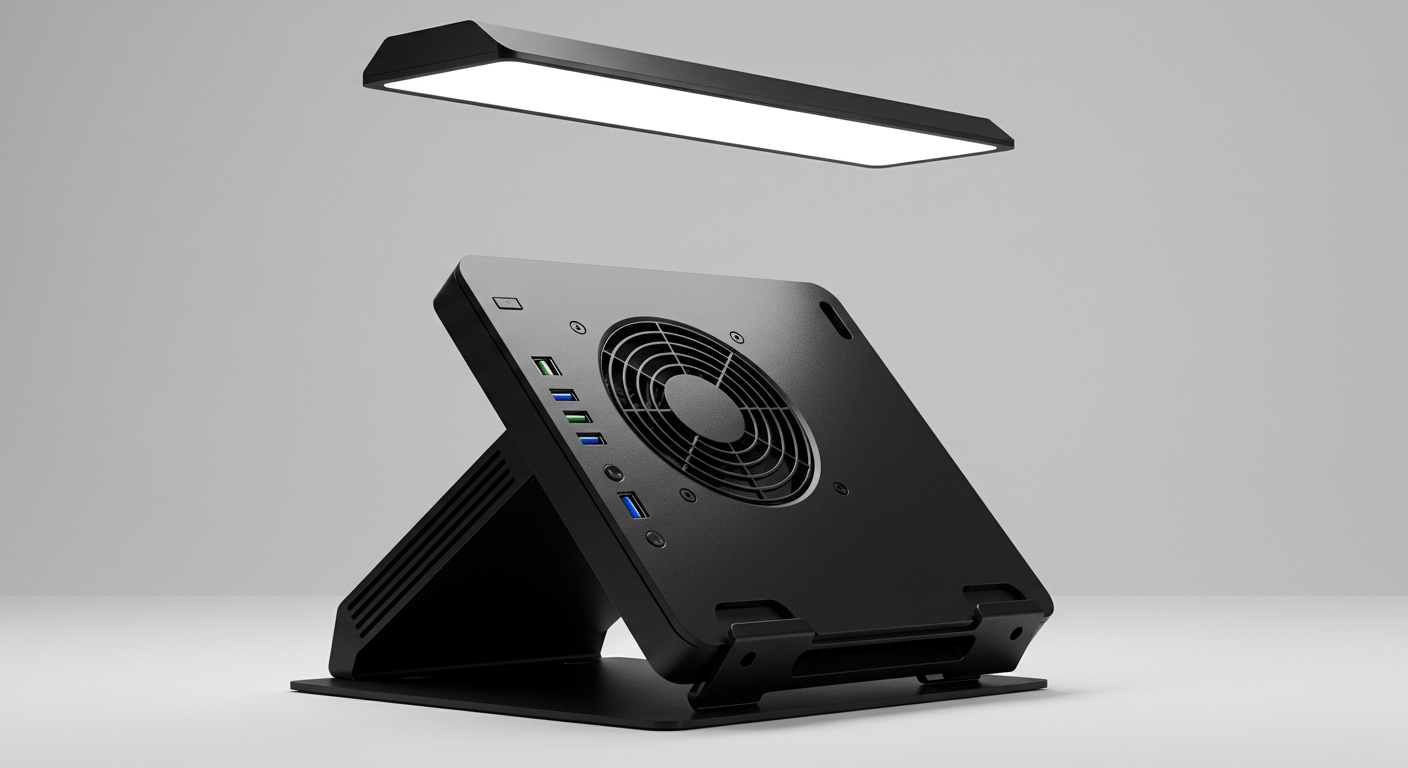
Not every cooling stand is made equally. Your console, gaming preferences, and the features you value most will all influence which option is ideal for you. These are the main things to think about before purchasing a cooling stand.
- Cooling Efficiency: A cooling stand’s primary function is to control the temperature of your console. Seek out stands with integrated fans that offer powerful, reliable ventilation. You can balance cooling power and noise levels using the changeable fan speeds found on some models.
- Console Compatibility: Not every console is compatible with every cooling stand. While some are made especially for the PS5 or Xbox Series X, some are made for the PS4 or previous devices. Although there are universal cooling supports, they might not fit perfectly or work as efficiently as they could. Prior to making a purchase, always confirm compatibility.
- Noise Levels: Your gaming experience can be ruined by a loud fan. Select a cooling stand with silent fans that won’t obstruct streaming or gaming. Many high-quality stands keep your console cool while running nearly silently.
- Design and Build Quality: Seek out stable stands that can hold your console firmly, particularly if they are made to be positioned vertically. Another benefit is a sleek style that blends in with the appearance of your console.
Benefits and Drawbacks of Universal Cooling Stands
Universal cooling stands could seem like the ideal option if you own several consoles or want a flexible solution. The PS5, PS4, Xbox Series X/S, and Xbox One are among the models that these stands are made to fit. But even while they provide versatility, there are drawbacks.
Benefits of Universal Cooling Stands
- Adaptability: A versatile stand is a useful choice for homes with various game systems since it enables you to cool and arrange several consoles.
- Cost-effective: One universal stand can serve several purposes, saving money compared to purchasing separate stands for each console.
- Space-Saving Architecture: You may maximize the amount of space in your gaming area by using universal stands, which frequently provide vertical orientation.
Cons of Universal Cooling Stands:
- Problems with Fit and Compatibility: Universal stands might not fit every system snugly because they are made for numerous consoles. Stability or cooling efficiency may be impacted.
- Average Cooling Performance: Universal stands might occasionally provide less efficient airflow than supports made exclusively for a single console, particularly for high-power consoles like the PS5 or Xbox Series X.
- Bulkier Design: Compared to dedicated models, universal stands may be bigger and require more room to handle various consoles.
How to Choose the Right Cooling Stand for Your Console
Choosing the best cooling stand might be overwhelming due to the large number of options available. Your console, gameplay preferences, and the extra features you value most will all influence your best option. To help you make a selection, consider these important factors:
- Console Compatibility: Make sure the stand is made for your console first. While some stands are universal, others are exclusive to the PS5, Xbox Series X/S, or PS4. A stand designed specifically for a console usually guarantees a better fit and more effective cooling.
- Cooling Efficiency: Seek stands with powerful, silent fans. An added benefit is that you can manage noise levels and cooling effectiveness with adjustable fan settings. Prioritize a stand with strong ventilation if you play a lot of games or are in a heated climate.
- Noise Level: Especially during competitive or immersive sessions, a loud fan can interfere with gameplay. Select a stand that maintains cooling capacity while operating quietly or almost silently.
- Build Quality and Stability: To hold your console firmly, especially when oriented vertically, you need a sturdy, well-made stand. For extra safety, look for models with reinforced holders or anti-slip bases.
- Budget: Although high-end stands have the greatest functionality, less expensive models can still deliver good cooling. Before you invest more, decide which features are necessary for your needs.
You may choose a cooling stand that will protect your console and improve your overall gaming experience by paying attention to these criteria.
Are Cooling Stands Actually Effective?
You may be wondering if a cooling stand is really worth the money while you’re looking for gaming gear. After all, cooling systems are already included in consoles like the PS4, Xbox Series X, and PS5. Indeed, cooling stands do have a discernible impact, particularly for gamers who spend a lot of time playing or reside in hot regions.
- Reduced Temperatures and Better Airflow: Cooling stands add more fans to your console to improve airflow. By doing this, the system’s internal temperatures are lowered and overheating is avoided. During extended gaming sessions, performance and stability can be greatly enhanced by even a few degrees of cooling.
- Extended Console Lifespan: One of the primary causes of a console’s decreased lifespan is overheating. Stands help your console last longer by keeping the system cool, which lessens wear on internal parts like processors and fans.
- Improved Gaming Performance: In order to protect itself, a console that overheats may reduce performance or abruptly stop down. By maintaining steady performance, a cooling stand makes gaming more seamless and free from unexpected disruptions.
- Additional Features: In addition to cooling, a lot of stands come with features like USB hubs, controller charging docks, and game storage. Because of this, they improve your gaming setup overall and are more than just cooling devices.
The Best Cooling Stands for Video Games
Selecting the best cooling stand might be challenging with so many possibilities. Here are a few highly suggested cooling stands that blend durability, efficiency, and additional features for various game consoles to help you make a selection.
1. OIVO Cooling Stands
One of the most reputable brands in console cooling is OIVO. They have stands for the PS4, PS5, and Xbox Series X/S. Along with controller charging ports, game storage slots, and LED indications, they are well-known for their powerful dual-fan cooling systems. For gamers who desire both organization and functionality, OIVO stands are the preferred option.
2. NexiGo Cooling Stand (PS5)
The NexiGo stand is well-liked by PS5 owners due to its small size, silent fans, and dependable cooling capabilities. Additionally, it has USB extension and charging docks, which makes it perfect for gamers who appreciate space-saving features.
3. MENEEA Cooling Stand (Xbox Series X/S)
This multipurpose stand offers USB connectivity and steady ventilation for both Xbox Series X and Series S models. Its sleek form goes well with Xbox consoles, and its vertical placement also saves room.
4. Kootek Cooling Stand (PS4/PS4 Pro/PS4 Slim)
This stand is a reliable choice for PS4 gamers. It keeps older consoles operating smoothly and silently by offering USB ports, dual controller charging docks, and effective cooling.
Final Impression
Selecting the ideal gaming console cooling stand is about improving your whole gaming experience, not simply keeping your system cool. The correct cooling stand may increase airflow, prolong the life of your console, and avoid annoying overheating problems during extended use, regardless of whether you own a PS5, Xbox Series X/S, or PS4.
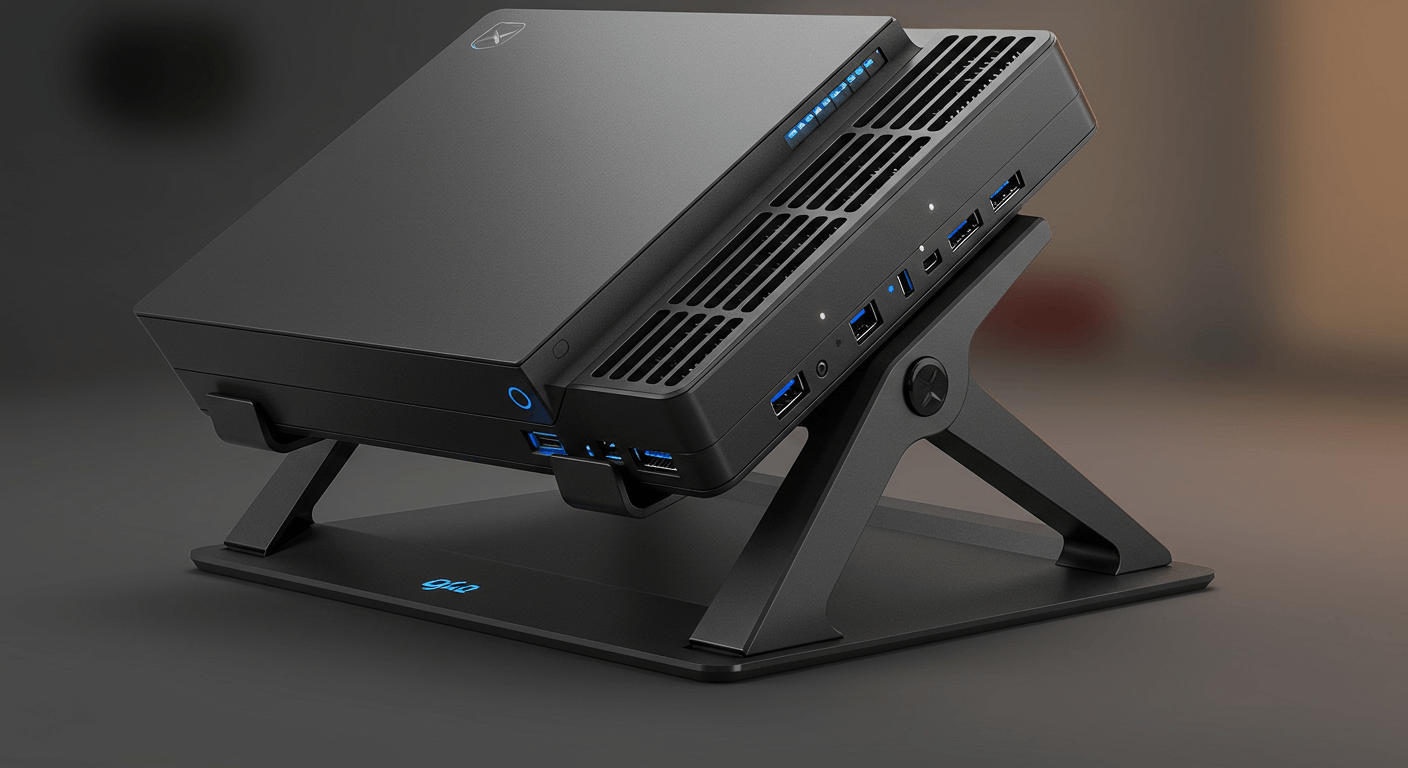
There is a solution for every gamer, ranging from specialized stands like OIVO and NexiGo for the PS5 to adaptable choices like MENEEA for the Xbox Series X/S and Kootek for the PS4. Although console-specific stands frequently give the best fit and performance, universal stands can provide versatility.
Many stands are multipurpose hubs that do more than just cool; they have USB ports, controller charging docks, and game storage to keep you organized while you upgrade your setup.
Ultimately, purchasing a high-quality cooling stand is a little investment worth making for console longevity, improved gameplay, and peace of mind. You won’t regret adding a cooling stand to your gaming station if you want your system to function at its peak and endure for many years.